Connect Sol
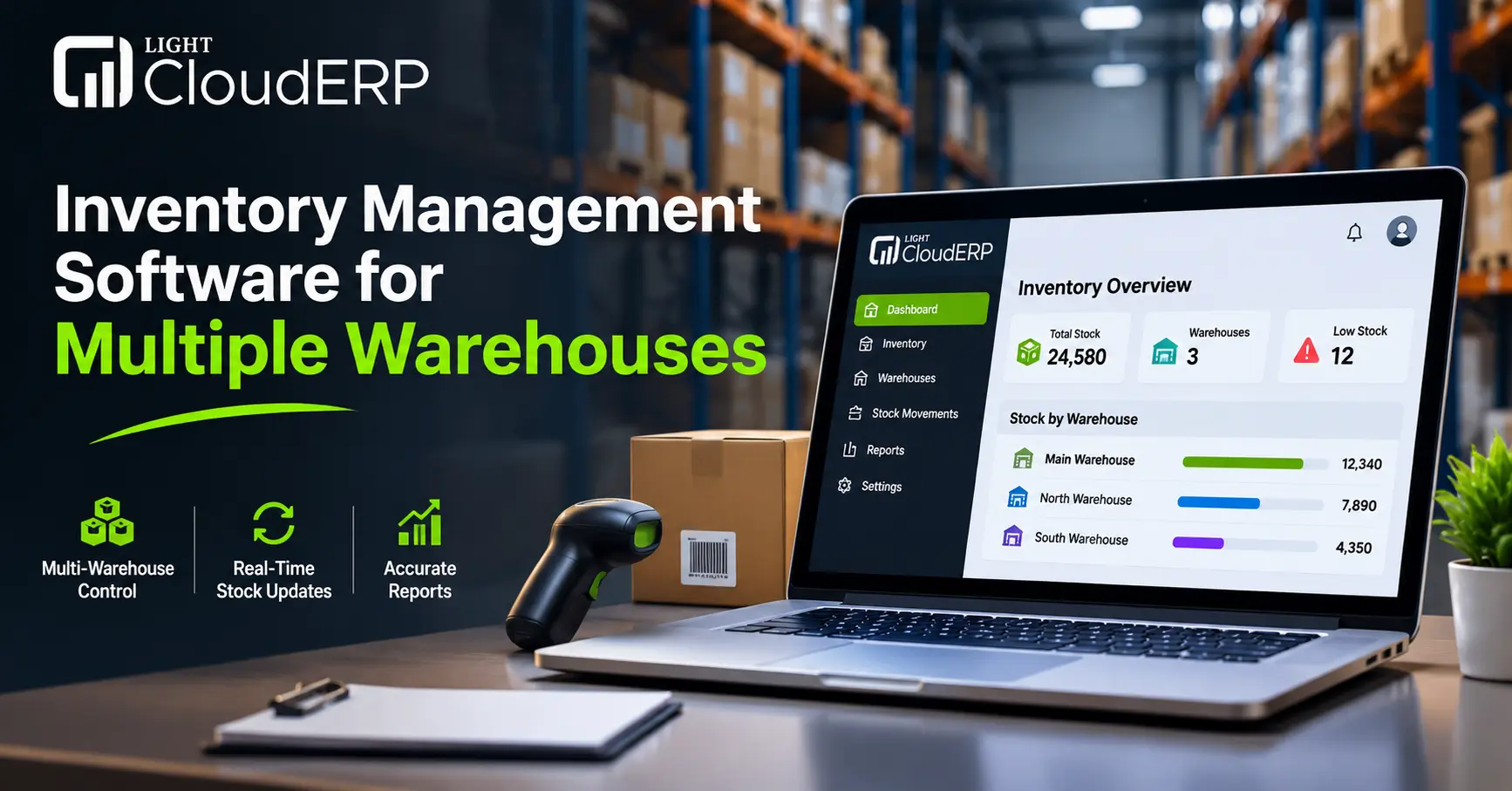
Running one warehouse is hard enough. Running three or four is a different game. Stock sits in Karachi while the order comes from Dubai. A count is wrong, a transfer gets lost, and a customer waits. Sound familiar? Many growing businesses hit this wall around the second warehouse. That is where inventory management software for multiple warehouses earns its place. It shows you exactly what you have, where it is, and what is moving, all on one screen.
This guide explains how it works, what features matter, and how to pick the best inventory management software for your size and budget. It is written for owners in the UAE and Pakistan, from small shops to growing distributors. Light Cloud ERP prepared it to help you choose with less stress and fewer mistakes that eat into your profit, so your stock stays accurate in every location. Let’s start with the basics.
What Is Inventory Management Software for Multiple Warehouses?
Inventory management software for multiple warehouses is a system that tracks your stock across all your storage locations in real time. It records every purchase, sale and transfer, so you always know what is available, where it sits and when to reorder.
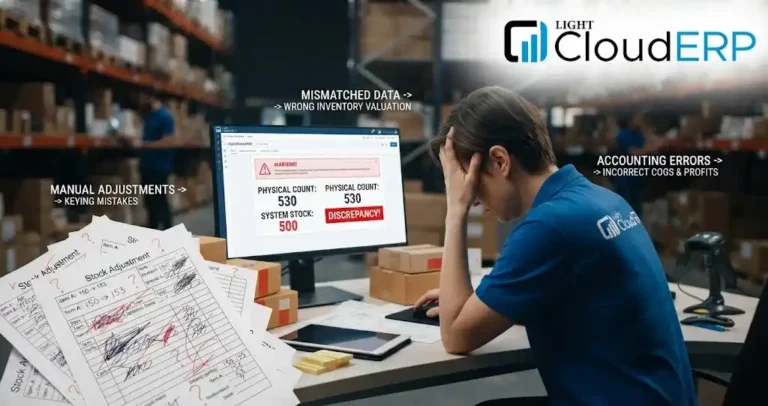
Spreadsheets and phone calls can work for a while. But once you have two or more locations, they fall apart fast. One person forgets to update a sheet, and suddenly you sell something you do not have.
Why Managing More Than One Warehouse Gets Hard
Every extra warehouse adds more room for mistakes.
- Stock counts do not match between locations
- Transfers between warehouses go missing or arrive late
- One warehouse is overstocked while another runs out
- Teams waste hours calling each other to check quantities
- Owners cannot see the full picture without waiting for reports
Key Features to Look For in Warehouse Inventory Management Software
Not every tool is built for more than one location. Good warehouse inventory management software should cover these basics:
- Real time stock view: See quantities in every warehouse on one screen
- Stock transfers: Move items between locations and track them until they arrive
- Barcode scanning: Cut down on typing mistakes during receiving and picking
- Reorder alerts: Get a warning before an item runs out
- Reports: Check stock value, fast movers and slow movers
- User roles: Decide who can see, edit or approve stock changes
Best Inventory Management Software What to Compare
When you compare options, do not get lost in long feature lists. Use this table as a quick filter.
| What to Check | Why It Matters | Question to Ask |
| Multi warehouse support | Keeps every location in one system | Can I add more warehouses later? |
| Stock transfer tracking | Stops items from going missing | Can I see transfers in progress? |
| Barcode support | Speeds up work and cuts errors | Does it work with my scanners? |
| Reports | Helps you decide what to buy | Can I export reports easily? |
| Local tax support | Keeps invoices correct | Is it ready for UAE VAT or Pakistan sales tax? |
| Support | Saves you when something breaks | Do you help in my time zone and language? |
Inventory Management Software Dubai What UAE Businesses Need
If you search for inventory management software Dubai, you will find plenty of options. But a good fit for the UAE needs a few extra things.
- VAT ready invoices: The UAE charges 5% VAT, and your records must match what you report to the Federal Tax Authority
- Multi currency: Many Dubai traders buy in one currency and sell in another
- Free zone and mainland stock: You may hold goods in places like Jebel Ali or Dubai South and in the city, so you need to see both
- Arabic and English support: Useful when your team and customers use both
Inventory Management Software for Small Business Start Small
Many owners think this kind of tool is only for big companies. That is not true. Inventory management software small business owners use today is simple to start and easy to grow.
- Choose a plan that fits your current stock, not your dream size
- Look for easy setup, so your team can learn it in days, not months
- Make sure you can add warehouses, users and items later
- Avoid paying for features you will not use this year
If you run two small stores and one godown, you can still benefit. Even basic inventory management software saves hours of counting and calling.
How Multi Warehouse Inventory Software Works Day to Day
Here is a simple picture of a normal day:
- Receive: New stock arrives and is scanned into the right warehouse
- Store: The system records exactly where each item sits
- Transfer: You move stock from one warehouse to another, and both counts update
- Pick and ship: Orders are matched with the nearest warehouse that has stock
- Count: Cycle counts take minutes, not days
- Report: You check stock levels and sales trends in one place
Benefits of Using It
- Fewer wrong orders and fewer stockouts
- Less cash stuck in slow moving stock
- Faster picking and shipping
- Clear numbers for owners and managers
- Less time wasted on manual counting
- Better planning when demand goes up
Common Mistakes When Choosing Software
- Buying only on price, then paying more later to fix gaps
- Skipping a demo with your real data
- Ignoring local tax rules
- Not training the warehouse team
- Choosing a tool that cannot add more warehouses later
How to Get Started with Multi Warehouse Software
Start by listing your warehouses, your main products and your biggest daily problems. Then ask for a demo and test it with a few real items. Light Cloud ERP works with businesses in the UAE and Pakistan, and its inventory tools are built to track stock across more than one location. A short demo is the fastest way to see if it fits your workflow.
FAQs
What is inventory management software for multiple warehouses?
It is a system that tracks your stock across all your warehouses in one place, in real time.
Which is the best inventory management software for a growing business?
The best inventory management software is the one that supports multiple warehouses, fits your budget and can grow with you.
Is inventory management software Dubai businesses use different from other software?
Yes, inventory management software for Dubai should support UAE VAT, multi currency and both Arabic and English.
Can small businesses use warehouse inventory management software?
Yes, small businesses can use warehouse inventory management software, and many plans start small and scale up.
How does inventory management software prevent stockouts?
It sends reorder alerts when stock runs low, so you can order before you run out.
Can I move stock between warehouses in the software?
Yes, you can create a transfer, and the software updates both warehouse counts once it arrives.
Do I need barcode scanners for inventory management software?
No, you do not need barcode scanners, but they make receiving and picking faster and more accurate.
How long does it take to set up inventory management software?
Basic setup can take a few days, though it depends on how many items and warehouses you have.
Conclusion
Managing stock across more than one location does not have to feel like guesswork. The right inventory management software gives you one clear view of every warehouse, fewer errors, and faster orders. Start with the features you truly need, check that it fits your market, and choose a system that can grow with you.
Light Cloud ERP is ready to help you set this up the right way. Call 0300 1110365 or email info@lightclouderp.com and tell us how many warehouses you run. We will show you how your stock can finally stay in sync. No more late night stock counts.


 Connect Sol